

AI photo editor: look how you want to look
Enhance your face with AI Beauty, retouch skin, try on makeup and hairstyles, reshape your body or blur the background. Upload a photo and pick a tool.
Free editing · No credit card required
Popular photo editing tools
Open a tool, add your photo and edit it in Facelab Studio.
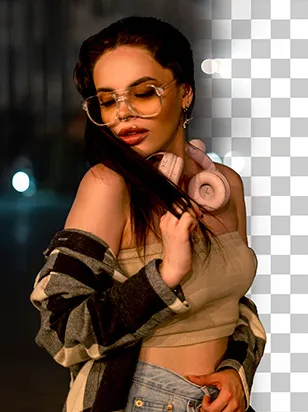
Background remover
Remove any background in seconds with AI precision.
Open tool
Image enhancer & upscaler
Enlarge photos up to 4× on desktop.
Open tool
Object remover
Erase unwanted objects from photos with AI precision.
Open tool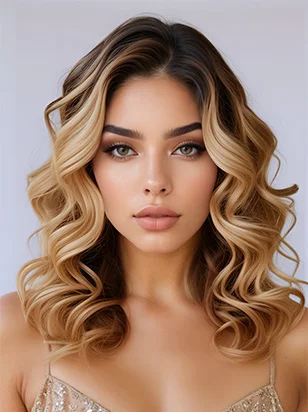
AI hairstyle & hair color
Try any hairstyle and color — from subtle to bold.
Open tool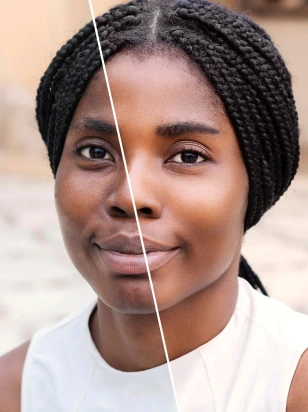
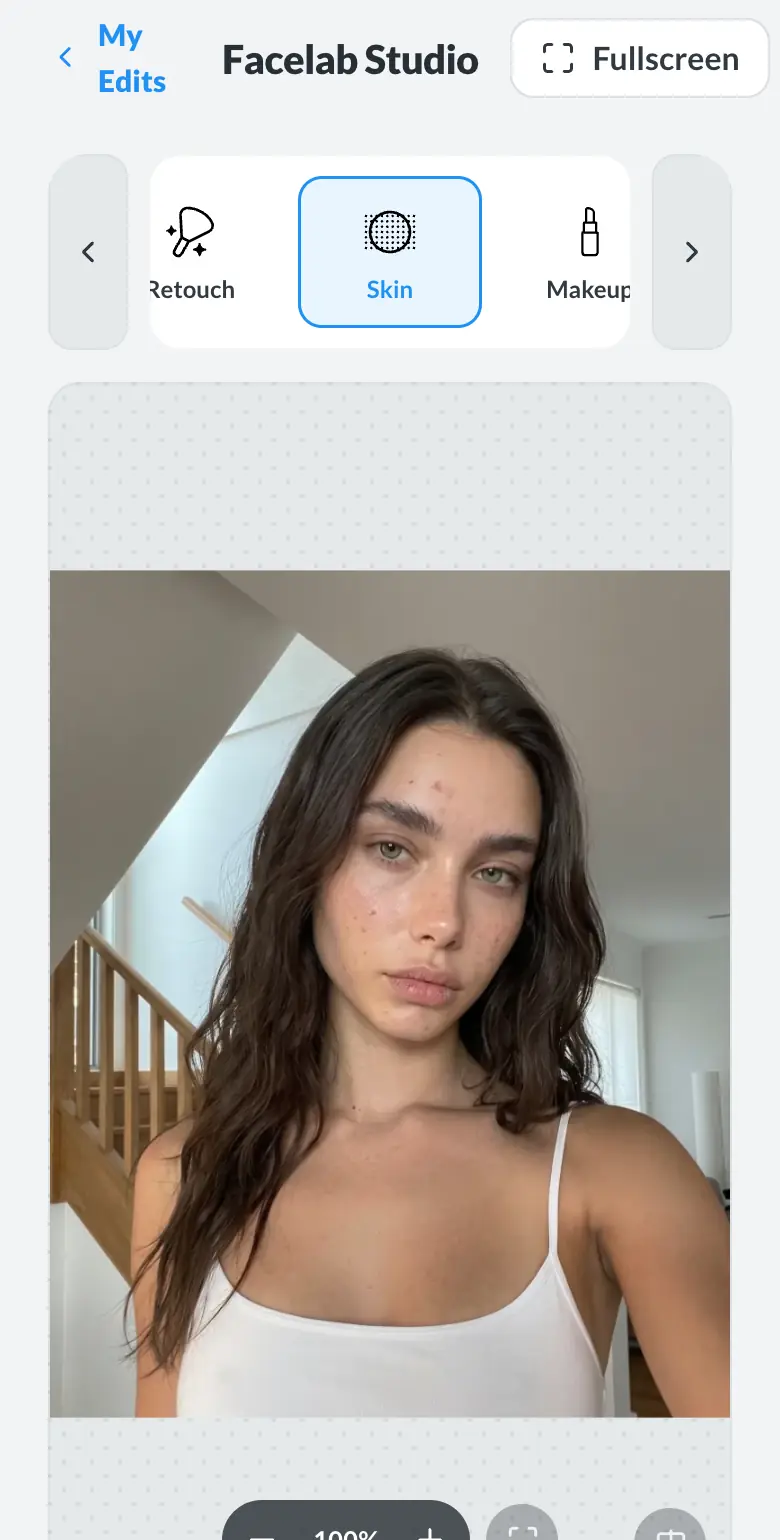
Skin retouch
Smooth skin, reduce blemishes, perfect your complexion.
Open tool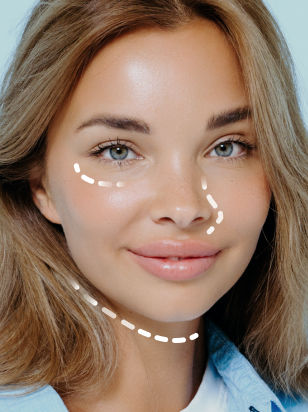
Face shape editor
Subtly reshape facial features with natural precision.
Open tool
Body editor
Slim, reshape, or adjust body proportions with AI tools.
Open tool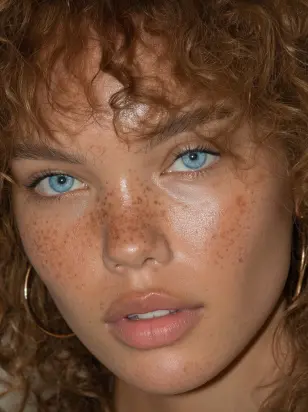
Eye color & teeth whitening
Change eye color naturally and brighten your smile.
Open toolSee the difference
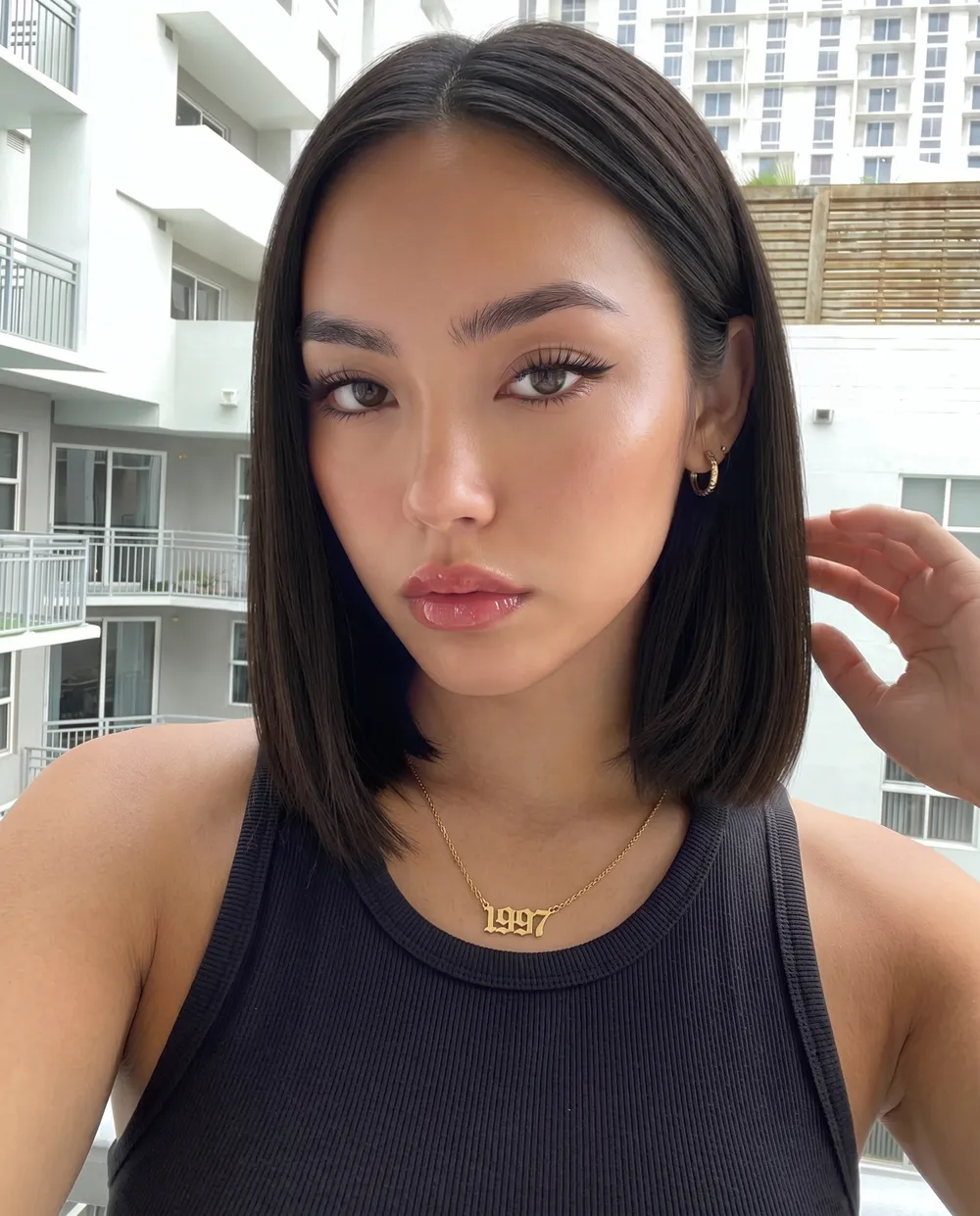
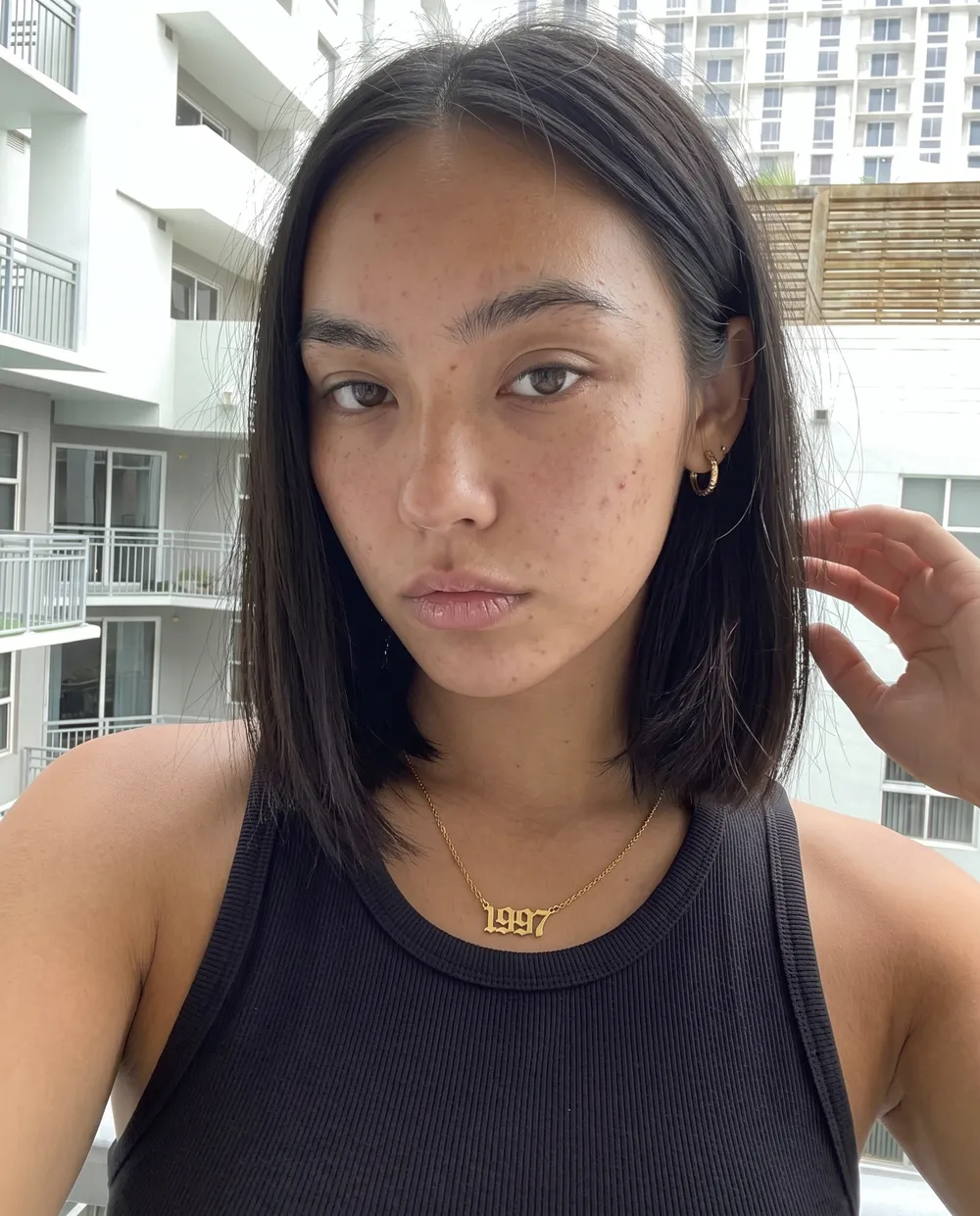
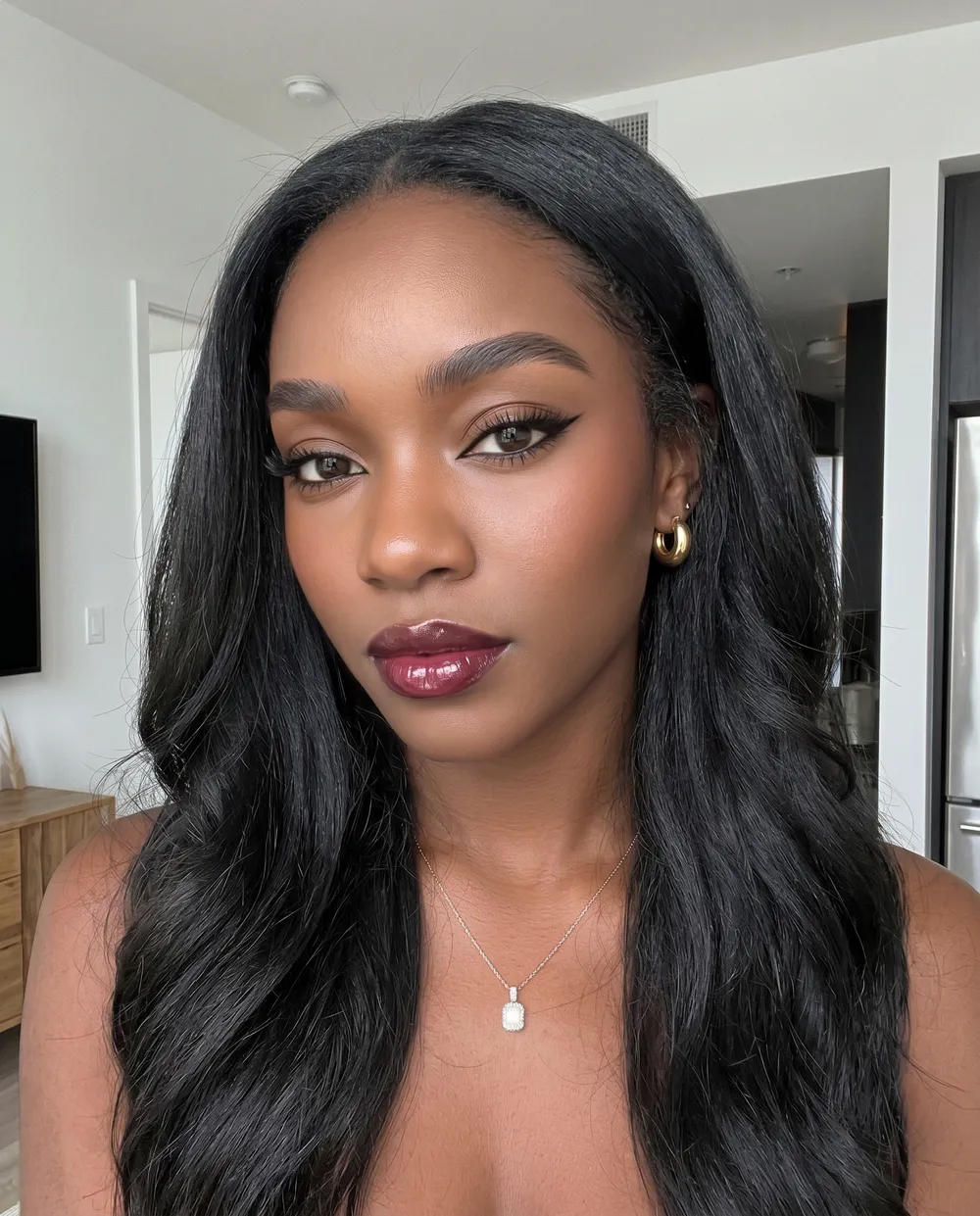
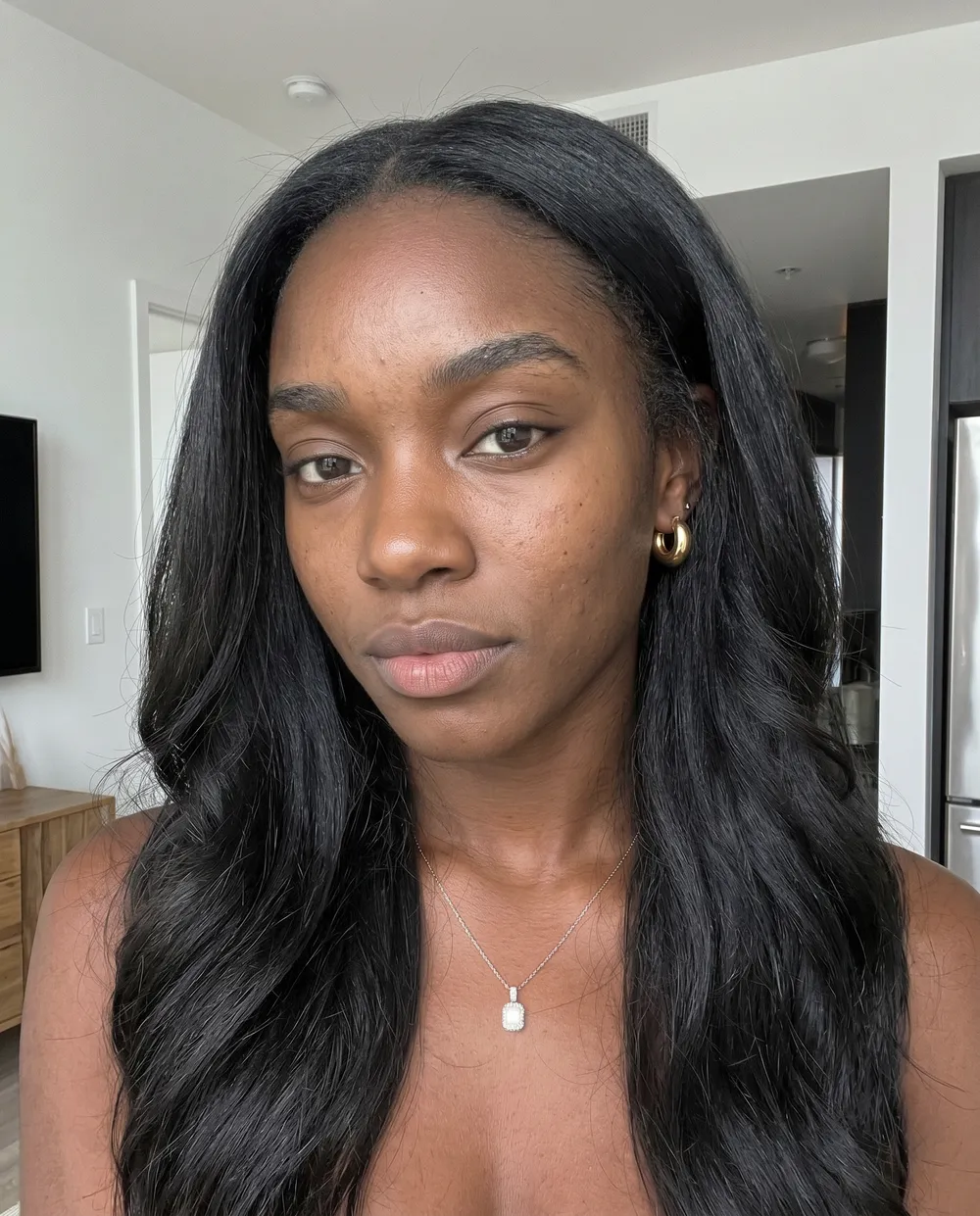
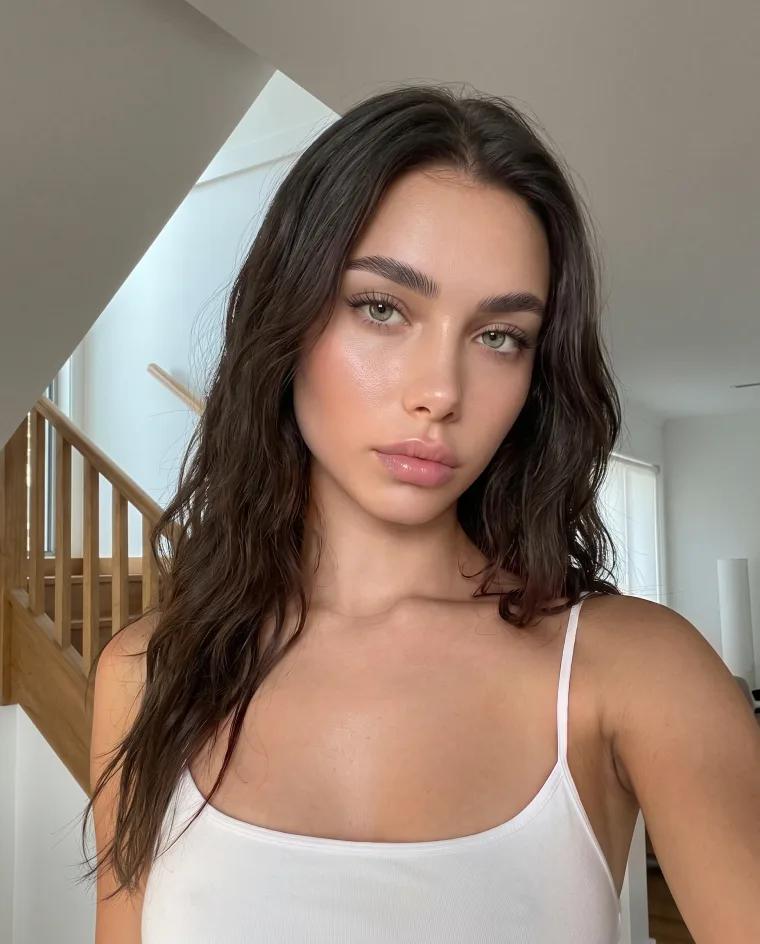
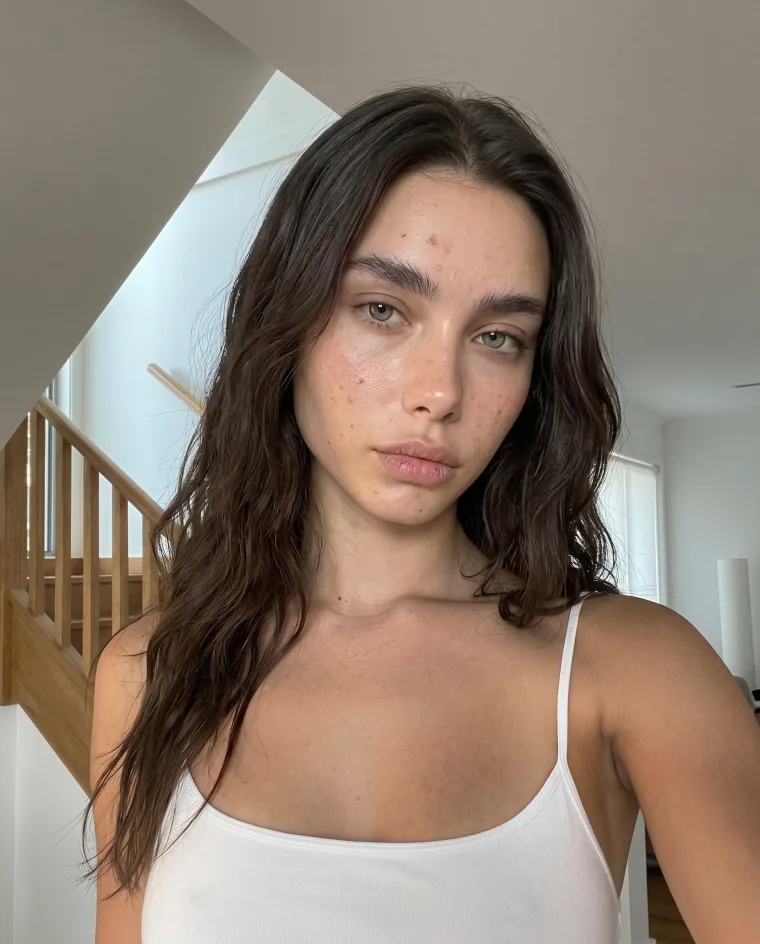
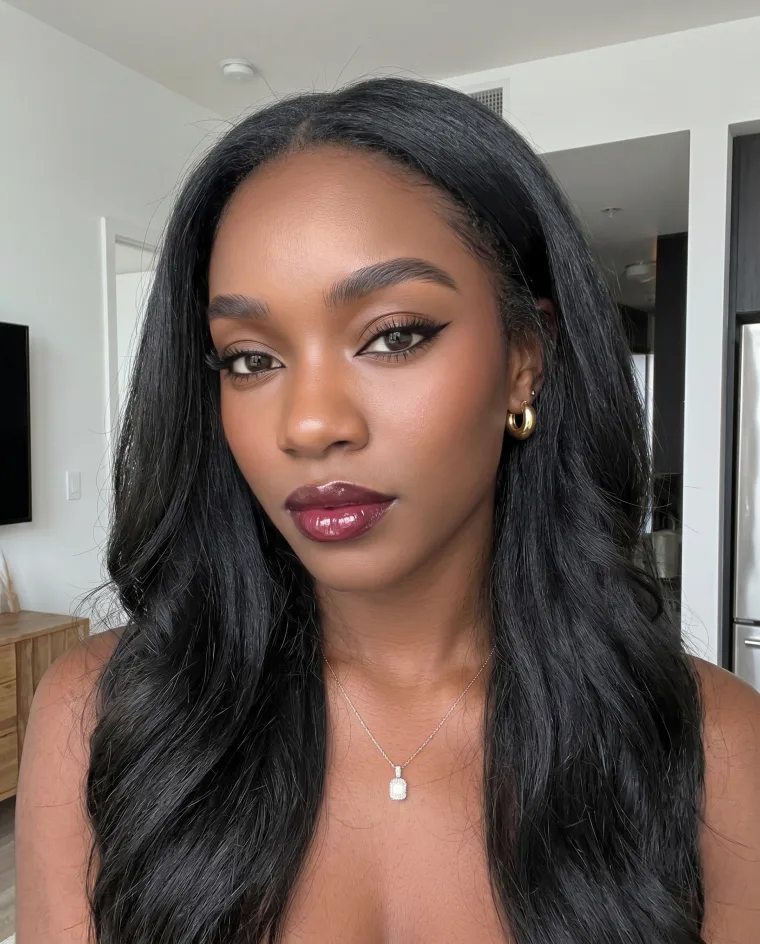
Drag to reveal. Real photos, real results.
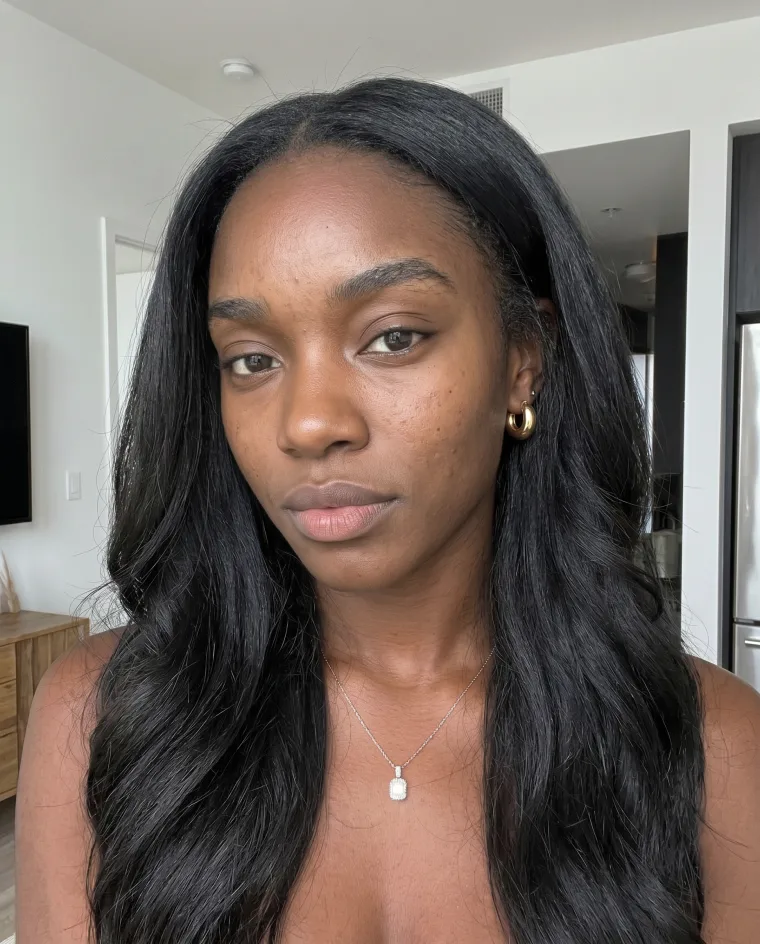
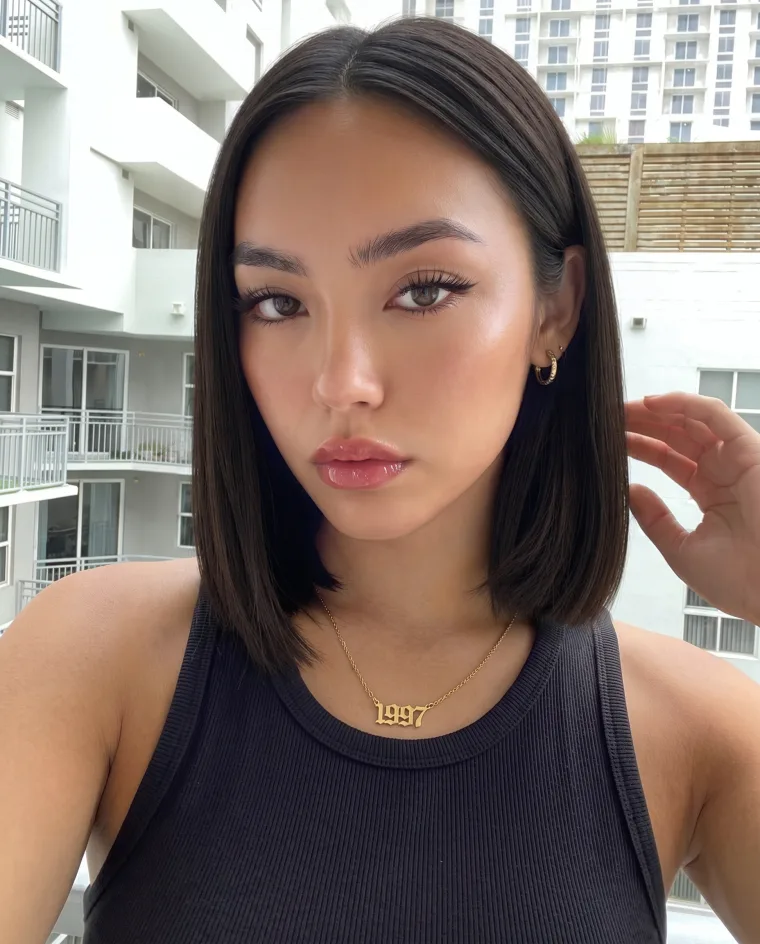
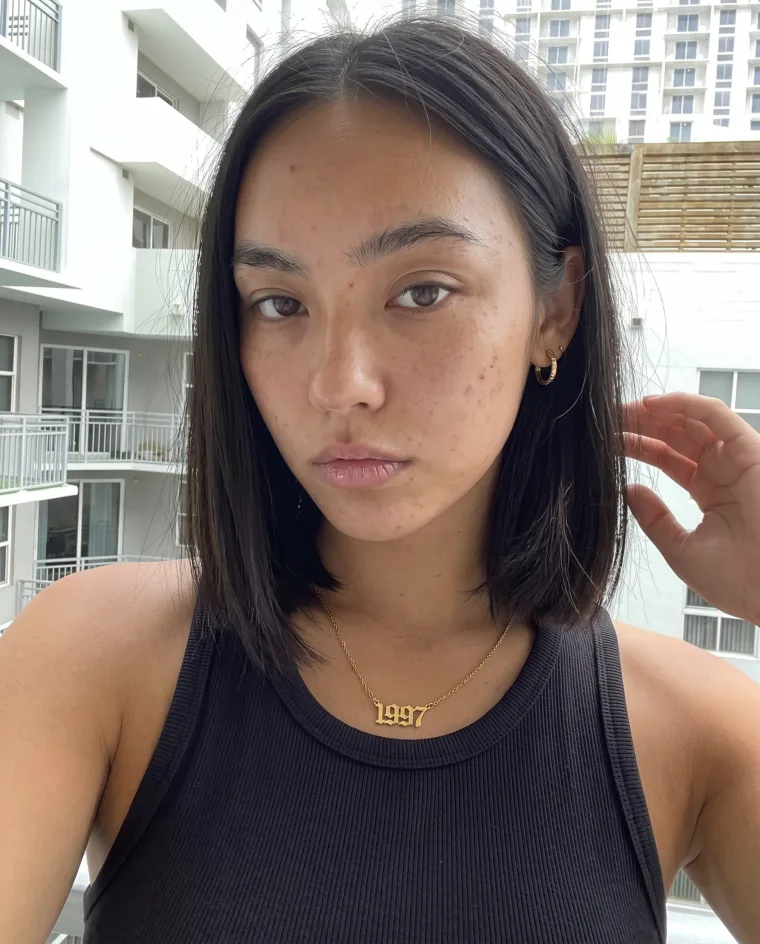
Edit a photo in three steps
-
Upload a photo
JPG, PNG, WEBP or HEIC, up to 25 MB.
-
Pick a tool
Open a tool and apply it.
-
Download
Save the edited photo to your device.
Manual tools and free presets need no account. Background removal and upscale give you 3 free tries (upscale on desktop for now). AI Beauty, AI Portraits, Hairstyle, Relight and other AI tools come with Facelab Plus.
Start editing free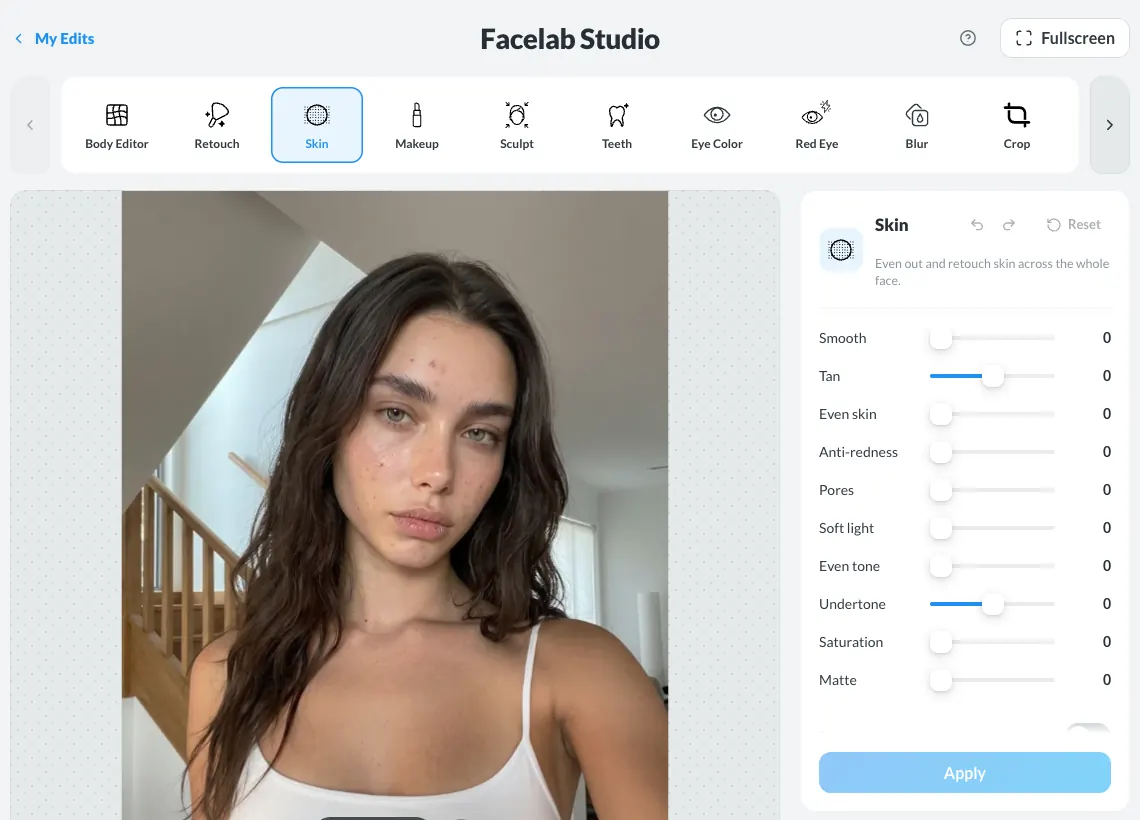
Everything you need to look your best
Clear skin,
no filter needed.
Remove blemishes, acne, and imperfections in seconds. Your skin, but on its best day.
- Removes blemishes & acne
- Smooths skin texture
- Looks natural, not filtered
Try every color
before you commit.
Go blonde, brunette, or bold — try a new cut or any hair color without the salon.
- Try any color instantly
- New cut or new color
- No commitment required
Your photo.
Perfect focus.
Remove the background or blur it to put all attention where it belongs — on you.
- Remove the background entirely
- Portrait-mode blur
- Transparent PNG in one click
Shape your body
your way.
Slim, toned or curvy in one tap — or adjust waist, legs and arms by hand.
- Body shape in one tap
- Waist, legs and arms
- Keeps the background straight
100M+ App Downloads.
Loved by millions.
Frequently asked questions
Is Facelab free?
You can start for free: manual tools and free presets cost nothing. Background removal and upscale give you 3 free tries, and with an account paid presets use the same 3 tries. AI tools such as AI Beauty, AI Portraits, Hairstyle and Relight come with Facelab Plus — see Pricing.
What happens after my 3 free tries?
Background removal, upscale and paid presets then need Facelab Plus — see Pricing.
Do I need an account?
You can edit a photo as a guest. AI tools and paid presets ask you to sign in, and an account keeps your work in My Edits.
Does it work on my phone?
Background removal works in your phone's browser. The full editor, Facelab Studio, works on a computer.
How long are my photos stored?
On the free plan, files are kept for 48 hours. With Facelab Plus they stay in My Edits.
How do I remove red eye in photos?
On a computer, open Facelab Studio, upload your photo, pick Red Eye and click each eye.
Facelab insights: tips, trends & more
Explore Our Blog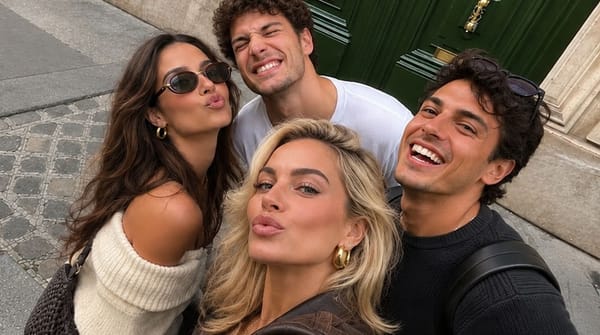
Editing Group Photos: How to Make Everyone Look Their Best
Someone looked away, someone blinked, someone hates their smile. Here's how to edit group photos naturally with Facelab so everyone looks great — without a reshoot.

How to Remove Watermark from a Photo?
Unwanted texts, logos and watermarks make your photo look less professional. At Facelab you can clean your images with minimal effort — no editing experience required.

Poses to Make you Look Great in Your Photos
All the photos you see on Instagram are planned, even if they look effortless. Here are five popular poses and how to recreate them.
Ready to edit your photo?
Free to start in your browser. Nothing to install.
Start editing freeFree editing · No credit card required